
webQuicky
Feast Calendar
The Orthodox feasts of your parish, village or community on your WordPress site: a month calendar, the next feast, and Orthodox Easter calculated for you every year.
Free · Version 1.0.0 · WordPress 6.2+ · Greek, English and Russian
Everything a parish or village site needs
Set it up once. The dates of the movable feasts change by themselves every year.
The feasts of Cyprus, ready
54 Orthodox feasts celebrated in Cyprus, 36 fixed and 18 movable. Add all of them, only the 18 major ones, or the ones you tick.
Orthodox Easter, calculated
Movable feasts are counted from Orthodox Easter, from Clean Monday to Kataklysmos. You never update a date again.
Month calendar on your site
A full month with previous and next month, the month's feasts listed underneath, and a clean view on phones.
The next feast, anywhere
Show the next feast, or the one happening now, in a header, a sidebar or on the home page.
Your colours and fonts
Pick the colours, font and corners in Appearance, with a live preview. On Elementor sites there is a widget with full style controls.
Greek, English and Russian
Every feast has a Greek, an English and a Russian name. The admin screens are in all three languages, and multilingual sites with Polylang or WPML are supported.
See it in action
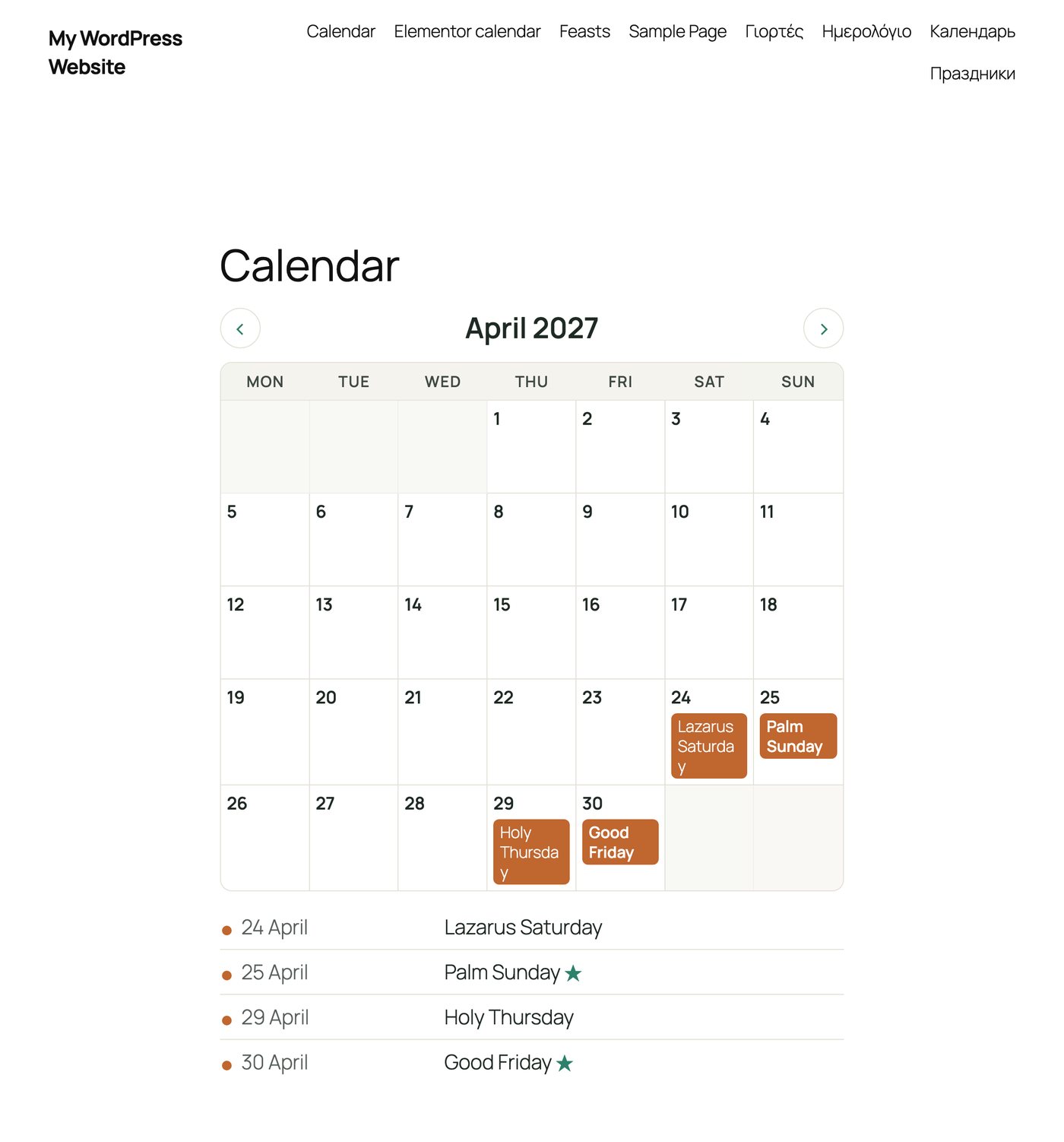
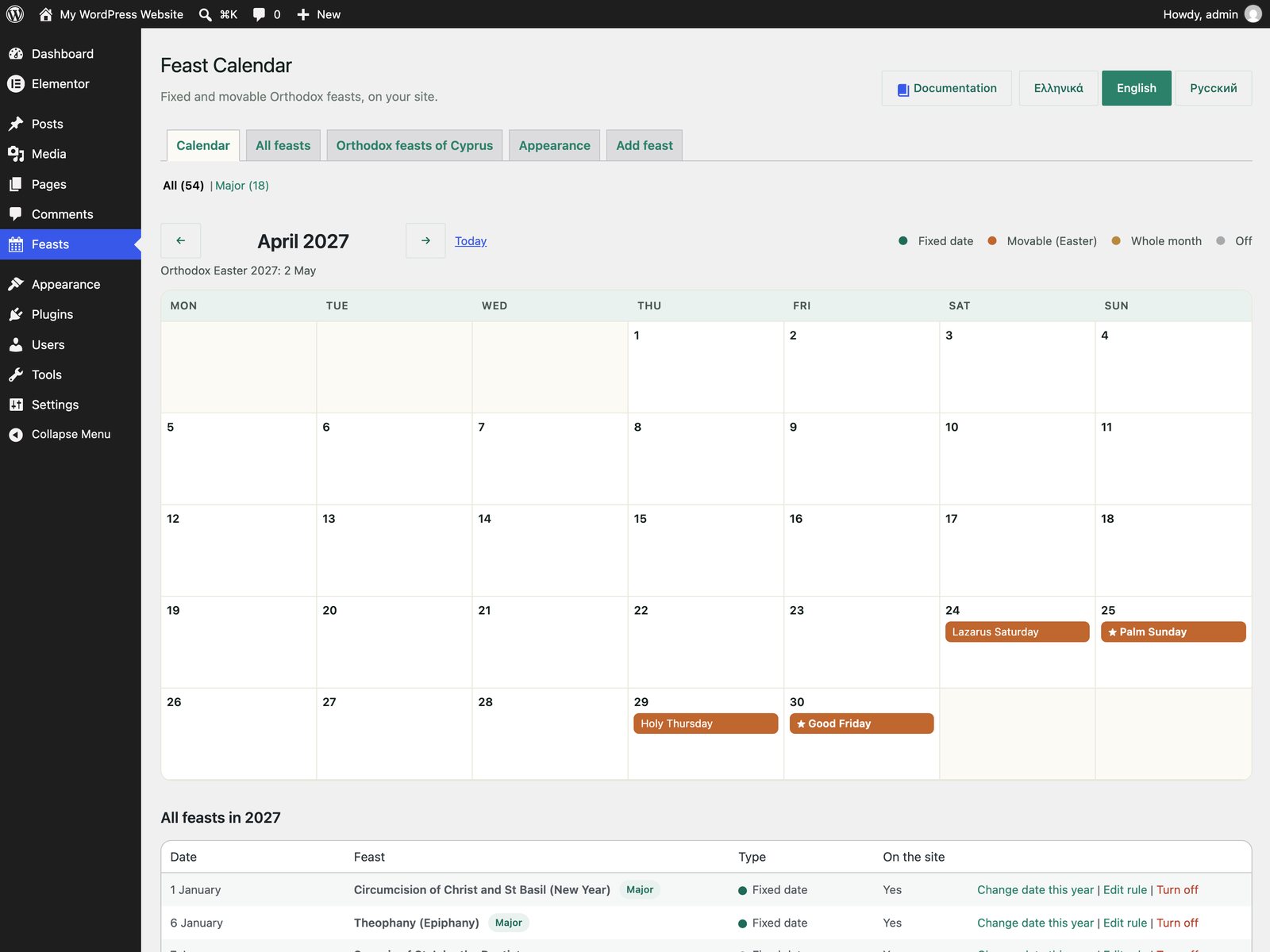
Up and running in 5 minutes
- Download the ZIP file from this page.
- In WordPress go to Plugins > Add New Plugin > Upload Plugin, choose the file and click Install Now, then Activate.
- The 18 major Orthodox feasts of Cyprus are already in the calendar. Open Feasts to add more, turn feasts on or off, or change a date for one year.
- Add
[feast_calendar]or[next_feast]to a page, or the Feast Calendar widget in Elementor.
Requirements
- WordPress 6.2 or newer
- PHP 7.4 or newer
- Works with any theme. Elementor is optional
- Greek, English and Russian
Frequently asked questions
Yes. Download it, install it on your site and use it. No account and no licence key.
No. The shortcodes work with any theme and the WordPress editor. On Elementor sites you also get a Feast Calendar widget with colour and typography controls.
Yes. Add the feast of your church or village as a fixed date, a day counted from Easter, or a whole month, for example a summer festival.
Yes. Click the feast in the calendar and set another date, or mark it as not held this year. Other years keep the normal rule.
Nothing is lost. Your feasts and yearly changes stay saved and come back when you activate it again.
Put your feasts on your site today
Free download, ready in minutes, in Greek, English and Russian.